Today and later stay separate
A future transaction only becomes an expense after you confirm it was completed.
 SvobodnoSupport
One clear number - after mandatory payments and your protected reserve.
Version 1.5.0 for iPhone is now on the App Store. Available in English and Russian with support for 14 currencies.
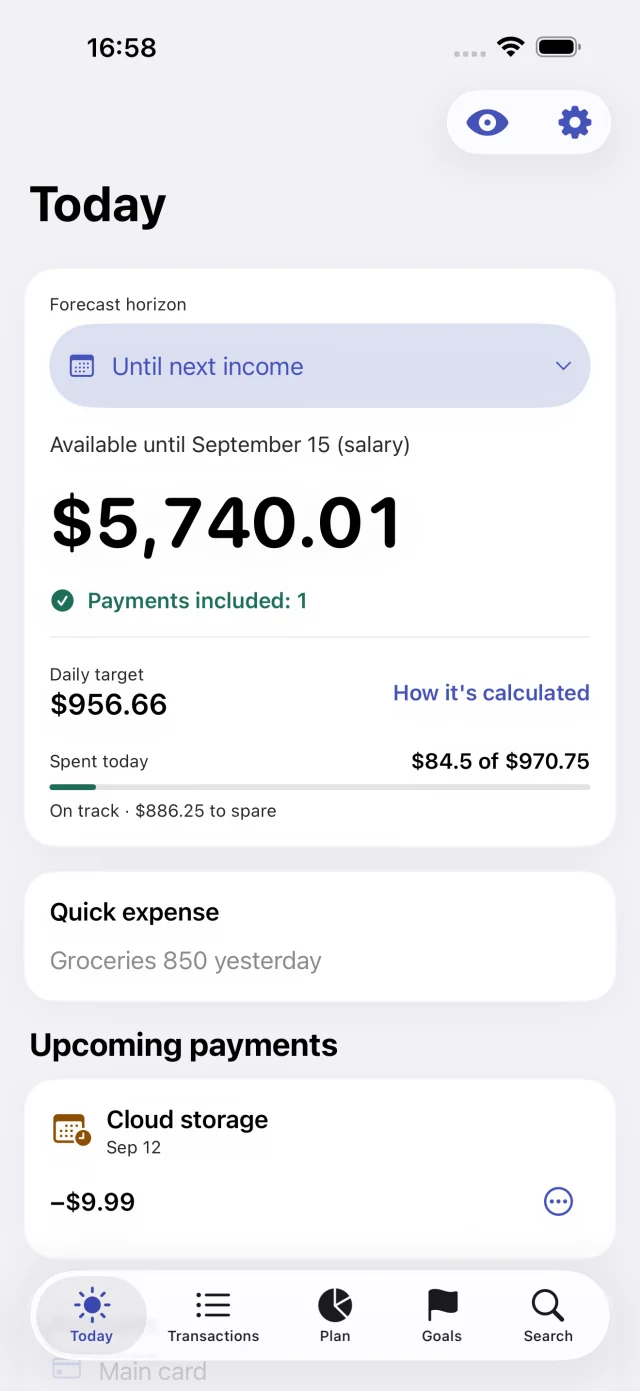
Add a purchase quickly, look ahead, and leave room for what matters.
See your free-to-spend amount and daily guide after unpaid mandatory payments and your protected reserve.
Mac version · Available on the App Store
Review transactions, plan expenses, and explore your finances on Mac. Your accounts, upcoming payments, and spending guide fit together in one window.
Open search with ⌘K. Hide amounts with ⇧⌘H when someone is nearby.
macOS 15+
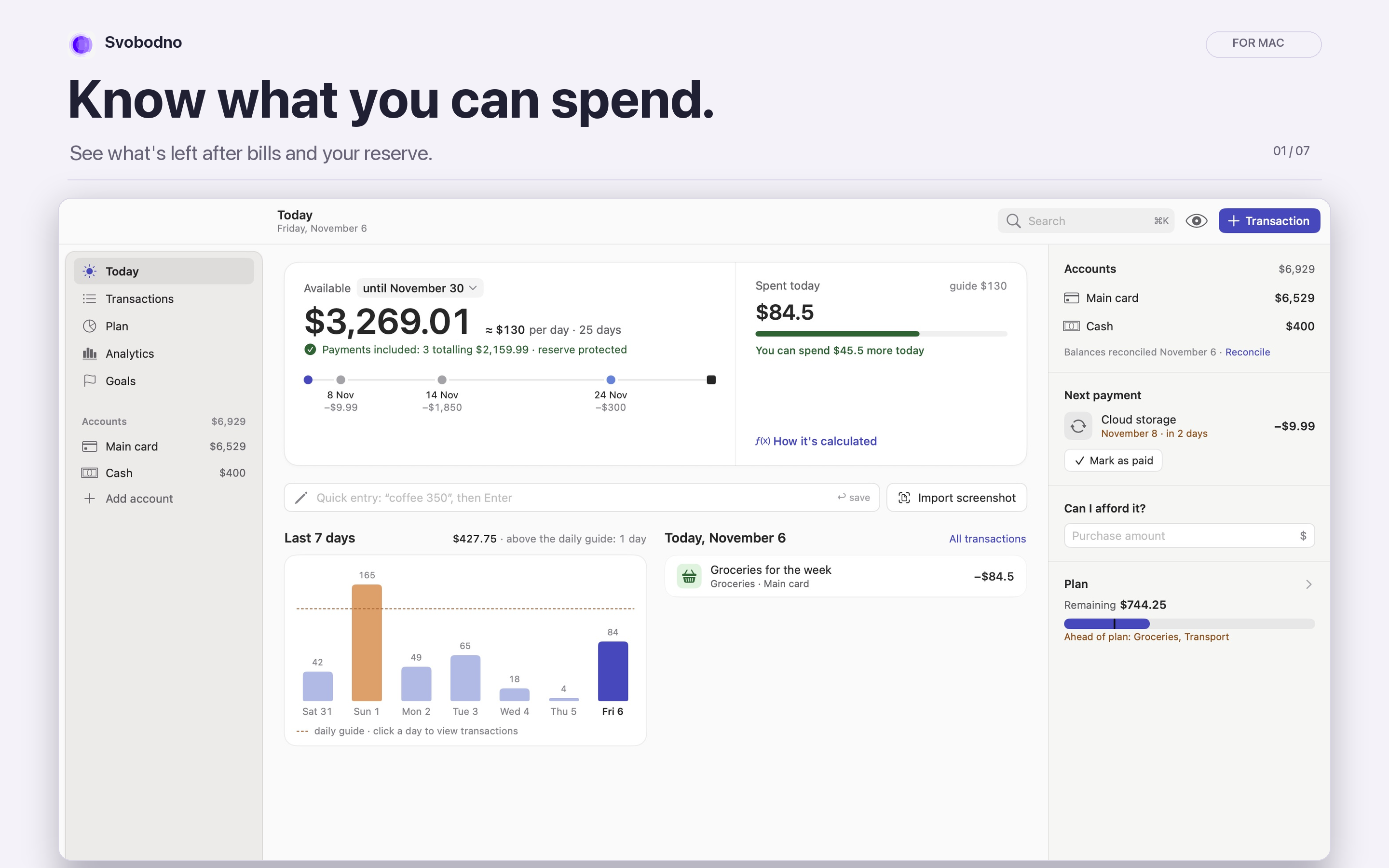
Active account balances minus unpaid mandatory payments within your chosen horizon and your protected reserve. Overdue payments count too; future income is not added early.
A future transaction only becomes an expense after you confirm it was completed.
Moving money between your accounts changes its location, not your spending.
The monthly plan can include expected income. Today’s free amount only uses money already available.
Financial records stay in the app’s local storage on your iPhone.
Local notifications do not reveal amounts, payment names, or account names.
You decide when to export and where to keep or transfer the backup file.
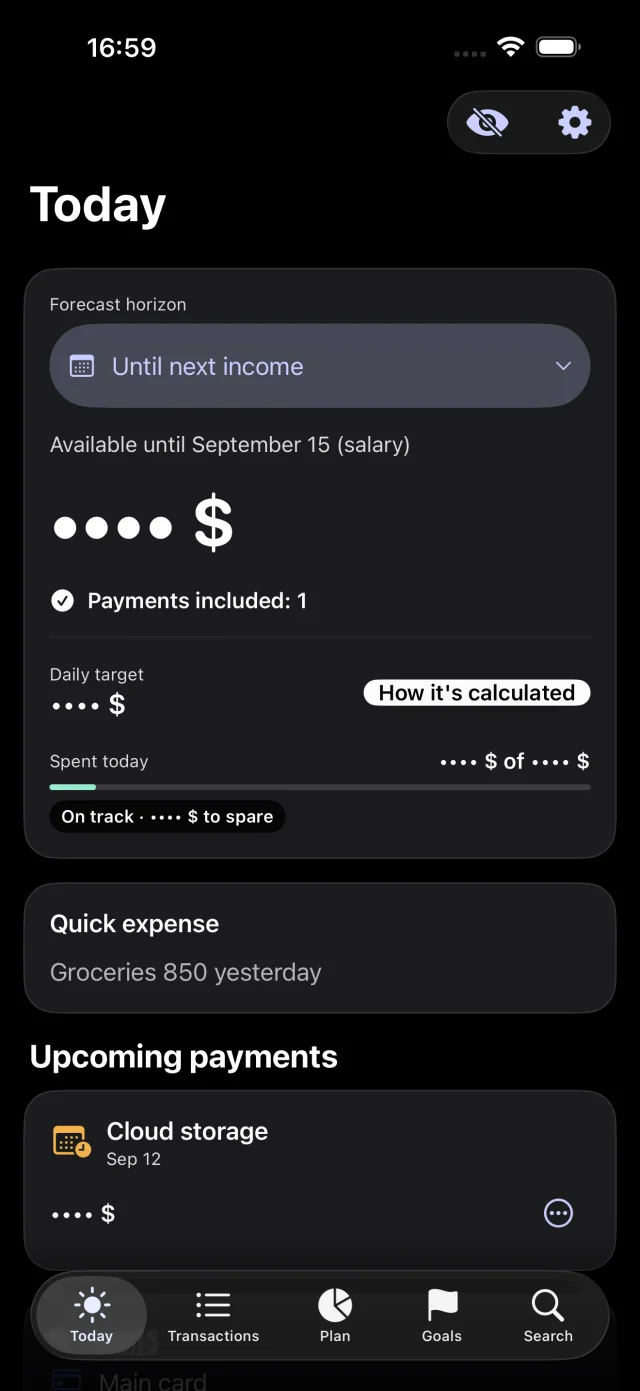
No separate registration, bank credentials, advertising or analytics. Current versions offer optional private iCloud sync. Financial records are not sent to the developer.
The website still processes limited server logs, and support receives the information you voluntarily include in an email.
Read the Privacy PolicyA native personal finance tracker - not another banking dashboard.
Svobodno for Mac is now available on the App Store. Choose Download for Mac in the Mac section on this page. Requires macOS 15 or later.
Svobodno is available on the App Store in English and Russian.
Yes. Core features are free, including up to three active accounts and every standard category. Svobodno Plus unlocks unlimited accounts, custom categories, and export. The App Store shows the current price and any eligible free trial before you confirm.
No. You enter balances and transactions yourself. No bank connection or separate registration is required. Current versions offer optional private iCloud sync.
On your iPhone in the app’s local storage. The developer cannot access it. Exports leave the device only when you choose to share or save an archive.
Export a .svobodnoarchive file from Settings, keep it secure, then import it on the other iPhone. Confirm the summary first: importing replaces the current database.
Open Settings → Help → How to Use in the app, or email support@subze.pro without attaching archives or sensitive financial information.