Debt tracker: who owes whom and how much is left
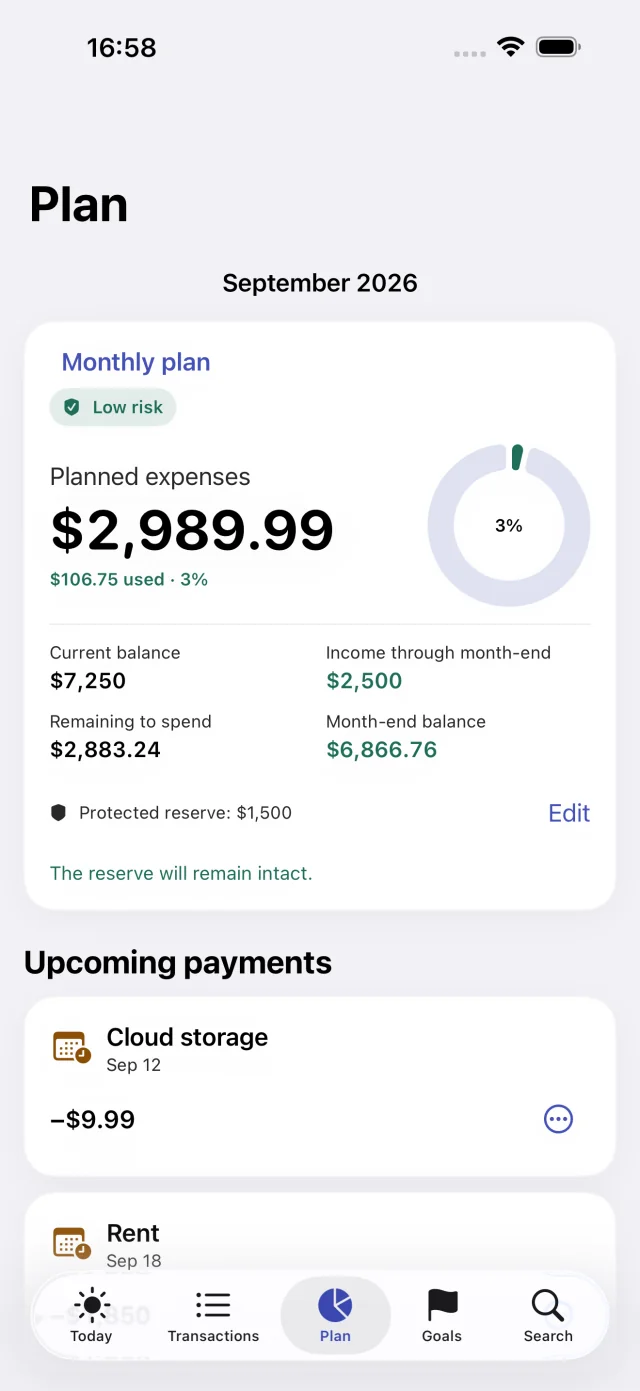
Record a debt once, and Svobodno shows how much is left to repay, when the next payment is due, and what has already been paid off. Your scheduled payments go into the plan, so the money for them is subtracted from your free-to-spend amount in advance.
“Owed to me” and “I owe”
Totals for both directions are visible at a glance. Each debt has a name, a person or bank, the original amount, a due date, and a note.
Debt type: a personal loan, and for money you owe, also a bank loan or a credit card. Active and closed debts are shown separately, and overdue ones stand out right away.
A new debt or an old one
- The money changes hands now: choose the account and date, and the account balance changes.
- The debt already existed: just record it, and your account balances stay the same.
Partial repayments
Each repayment is recorded with the amount, account, date, and a comment. A repayment can’t be larger than the remaining balance.
The debt card shows your progress and the full history: the original loan and every repayment.
Debt payoff schedule
- Enter the payment amount, the first date, and how often it repeats: monthly, every two weeks, or on a custom schedule.
- Choose the account and turn on a reminder at a time that suits you.
- The dates appear in the plan and the calendar. The last payment is automatically reduced to the exact remaining balance.
- You confirm each payment, and only then does the debt go down.
Example
You lend a friend $300, and they pay you back $100 a month. Add the debt under “Owed to me” with a schedule of three payments. After each confirmed repayment, the balance goes down: $200, $100, $0, and the debt moves to closed.
A loan or credit card as an account
You can also add a credit card or a loan as an account. Its terms store the interest rate, credit limit, scheduled payment, payment day, and grace period.
The credit limit is not added to your free-to-spend amount. A repayment is recorded as a transfer between your own accounts, and loan payments are added to the plan.
Core features are free. Some advanced features are part of the Svobodno Plus subscription; the App Store shows the price and terms before you confirm.
Questions
How do I keep track of money I lent someone?
Create a debt under “Owed to me”: who, how much, and by when. If the money is leaving your account now, mark that, and the account balance goes down. Record each repayment as it comes in.
Can I add an old debt?
Yes. Choose the option that doesn’t affect an account: the debt is tracked, and your account balances stay the same.
Does the app calculate loan interest?
No. You can save the interest rate in the loan account’s terms, but payments are not split into interest and principal.
Do I have to pay for debt tracking?
No, debts and payment schedules are included in the free version.

Try it with your own accounts
Add your balances, mandatory payments, and reserve to calculate what you can spend.