A budget app without bank sync
The app doesn’t need your bank login or a separate account. Transactions get into your budget from statements, screenshots, short text entries, or your voice, and always after you review them.
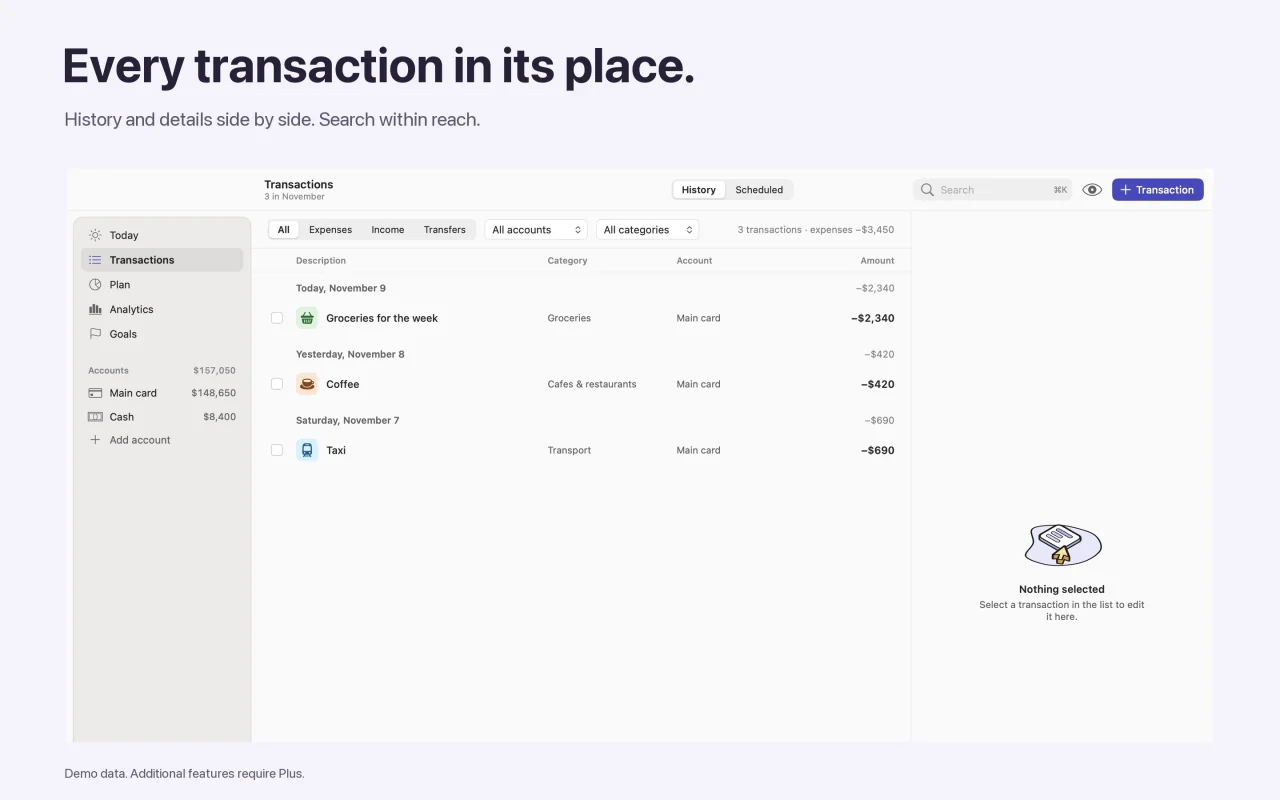
Why no bank connection
- You never give the app your bank login details.
- No account or registration: your financial records are stored on your device.
- You decide which transactions go into your budget.
Import statements and screenshots
Upload a bank statement in CSV, TSV, PDF, or XLSX, or a screenshot from your banking app. When moving your history over, choose the accounts and categories. Before saving, the app shows possible duplicates so the same purchase doesn’t end up in your budget twice.
Quick text entry
Type something like “Coffee 5 yesterday” and the app suggests the account, category, amount, and date. You can edit every field before saving.
Add several transactions by voice
Dictate several expenses in a row: “Coffee 5 yesterday, then ice cream 6 today.” Speech is recognized on your device when it supports the chosen language, and the transactions are added only after you review the list.
Transfers are not expenses
Moving money between your own accounts changes where it is kept, not how much you spend. Money sent to another person without repayment is recorded as an expense in the Transfers to people category.
Core features are free. Some advanced features are part of the Svobodno Plus subscription; the App Store shows the price and terms before you confirm.
Questions
Do I need to connect my bank or sign up?
No. You enter balances and transactions yourself or import them from a file. No bank connection or registration is required.
Which files can I import?
Bank statements in CSV, TSV, PDF, and XLSX, plus screenshots from banking apps. Possible duplicates are shown before saving.
Can I move my history over from another app?
There’s a ready-made import from 1Money: a CSV export with accounts, categories, and tags that you match up before anything is saved. Compatible CSV and XLSX files from other apps can be imported like a bank statement with column selection, but not every export is guaranteed to work.
Where is my data sent?
Your financial records are stored on your device. The developer does not receive them.

Try it with your own accounts
Add your balances, mandatory payments, and reserve to calculate what you can spend.